If It Only Calculates, It's a Calculator, Not a Computer
In previous posts, we implemented circuits that represent numbers as 0s and 1s and perform addition and subtraction. If we could represent photos as 0s and 1s, we could even build circuits to edit them.
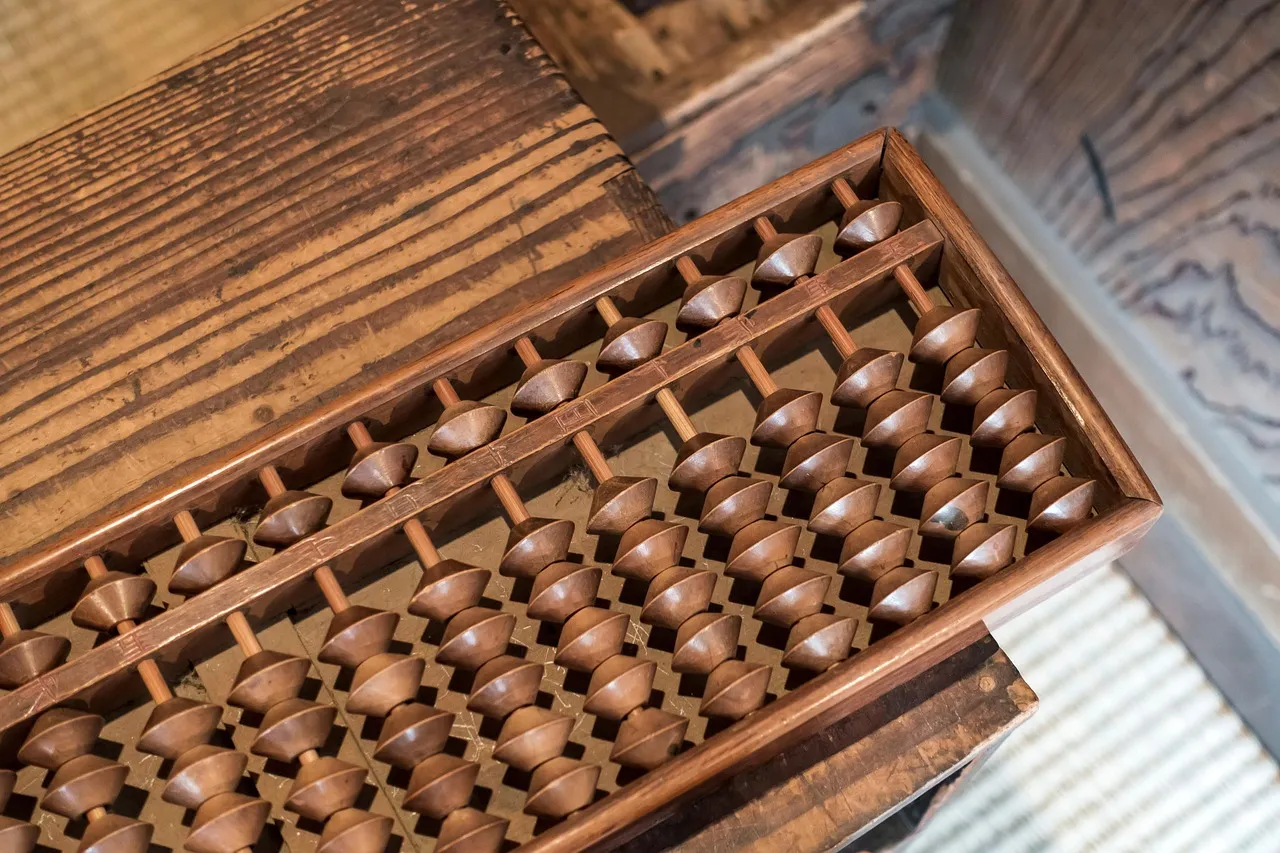
But the computer we use every day can install apps, read news in a browser, and switch to watching videos. That versatility is nowhere to be found in an addition circuit or a memory circuit. These circuits alone don’t quite feel like what we’d call a “computer.” There is a fundamental difference between a computer and other tools. Just as scissors are for “cutting” and cups are for “holding,” most tools can be defined by a single clear purpose — but a computer can’t be defined so simply. There seems to be something more essential about computers that sets them apart.
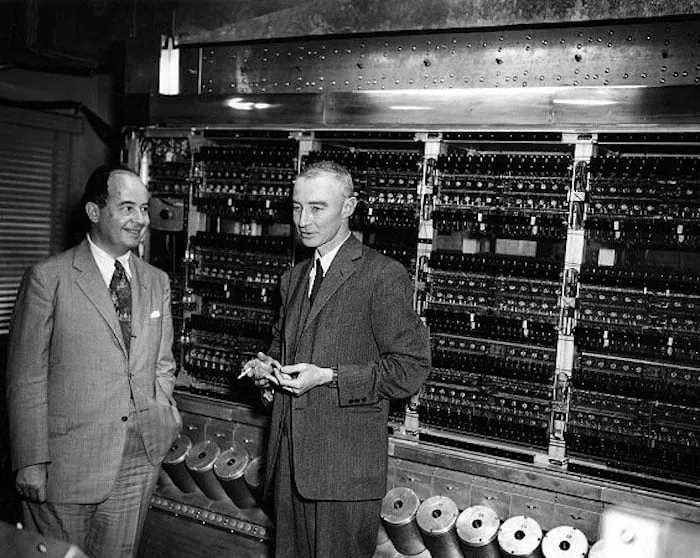
So what do we need to build to say we’ve built a computer? The goal of this series has been to build a computer ourselves, yet we haven’t even clearly defined what a computer is. In this post, let’s define what a computer is and see how everything we’ve learned comes together to form one.
Searching for the Essence of Computation
To understand the fundamental difference between a computer and other tools, we need to start with one mathematician’s idea. The Turing machine, proposed by Britain’s Alan Turing in his 1936 paper “On Computable Numbers” (paper), is that starting point.
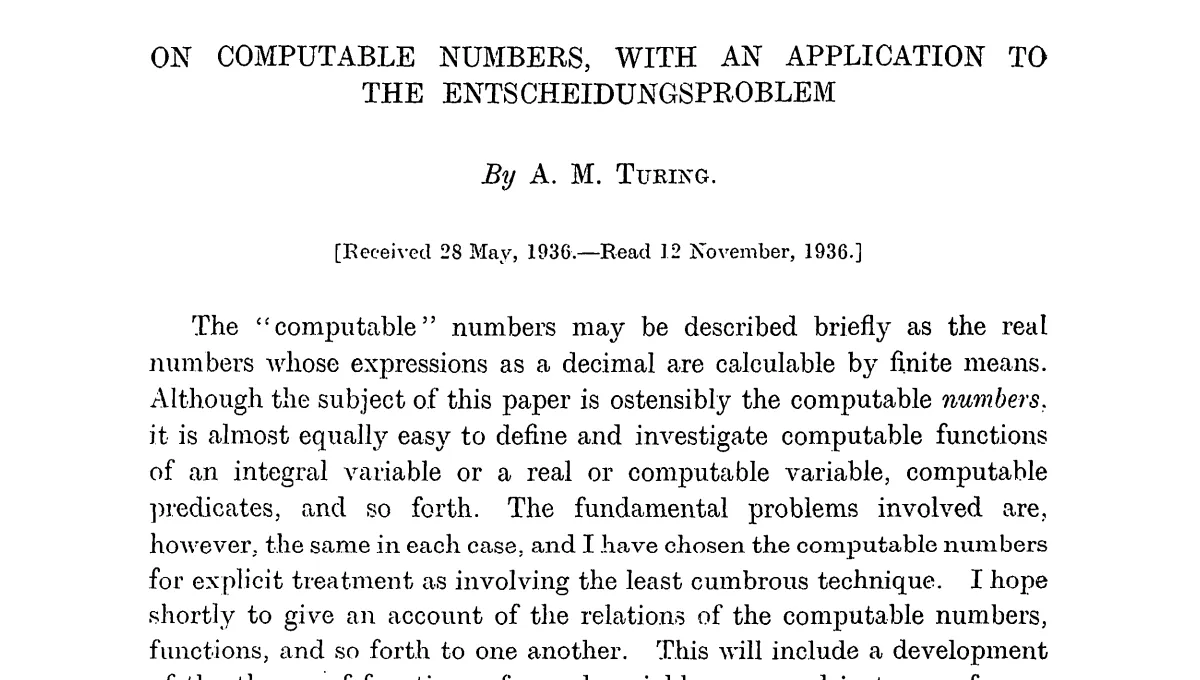
The background behind Turing’s proposal was an important problem in mathematics at the time. The “decision problem” (Entscheidungsproblem), posed by David Hilbert, asked:
Can we mechanically determine whether a given mathematical proposition is true or false?
Turing answered this question with no — he proved that there exist problems no mechanical procedure can ever decide. To reach this conclusion, Turing first needed to define “what is computation?” His approach was to design an imaginary machine that performs computation, and then define computation as whatever this machine can do. This machine is the Turing machine.
Structure of a Turing Machine
A Turing machine consists of three parts:
- Tape: A long strip with symbols written on it
- Head: Reads and writes symbols on the tape, moves one cell left or right
- Control unit: Determines the head’s actions based on the current state and rules
Below is a Turing machine that inverts each bit on the tape. Press the play button to see it in action.
| State | Read | Next state | Write | Move |
|---|
Initial state: q0 / Halt state: q_halt / Blank: _ / Click tape cells to edit before running
Bit inversion with just three rules. What about more complex computations? Below is a Turing machine that performs binary addition. Watch it calculate 1112 + 102 = 10012. The rules look complex, but don’t worry — what matters here is not the details of each rule, but the fact that addition is possible through nothing more than the repetition of reading, writing, and moving. (Rule source)
| State | Read | Next state | Write | Move |
|---|
Initial state: q0 / Halt state: q_halt / Blank: _ / Click tape cells to edit before running
Read, write, move. Addition is possible through just the repetition of these simple actions. Turing’s insight was precisely this: everything computable can be expressed with this simple machine. But as it stands, it’s no different from any other tool — just a specialized device for inverting bits or adding numbers.
Universal Turing Machine
The Turing machines above can each only perform a fixed task: bit inversion or addition. To do a new task, you’d need to build a new machine.
But Turing went one step further. If you write a program (another Turing machine’s rules) onto the tape, you can build a machine that behaves like that program’s Turing machine. This is the universal Turing machine. Load addition rules and it becomes an adder; load multiplication rules and it becomes a multiplier.
In the simulator below, you can directly edit the control unit’s rules. Try changing the bit-inversion program to one that makes all bits 0, or all bits 1. You only need to change the write value (third column) in the rules.
| State | Read | Next state | Write | Move |
|---|
Initial state: q0 / Halt state: q_halt / Blank: _ / Click tape cells to edit before running
The key is that you keep the machine the same and just change the rules. The idea that the logic a machine executes can be treated like data became the starting point for the separation of hardware and software, and for programming as we know it today.
Defining a Computer
Wikipedia defines a computer as:
A computer is a machine that can be programmed to automatically carry out sequences of arithmetic or logical operations.
In the introduction, we said scissors can be defined as “for cutting” and cups as “for holding,” but computers can’t be defined that way. Now the reason is clear. The essence of a computer is not any specific function but the ability to perform any computation according to a program. What was missing from all the circuits we’ve built so far is precisely this programmability.
Wrap-up
The simulator you interacted with above is itself an implementation of a universal Turing machine. But the tape-and-head model, while theoretically perfect, isn’t well-suited for building with actual electronic circuits. In the next post, let’s examine the von Neumann architecture, which was designed to realize Turing’s ideas using logic gates and circuits.